Hard Drive & SSD Issues
Assessment of drives affected by failure, corruption, accidental deletion or access problems, with recovery options discussed before work proceeds.

Data loss can happen because of drive failure, accidental deletion, file-system corruption, RAID problems, failed updates or a system that will no longer boot. We help assess the situation, identify the recovery path and avoid unnecessary actions that could make recovery harder.
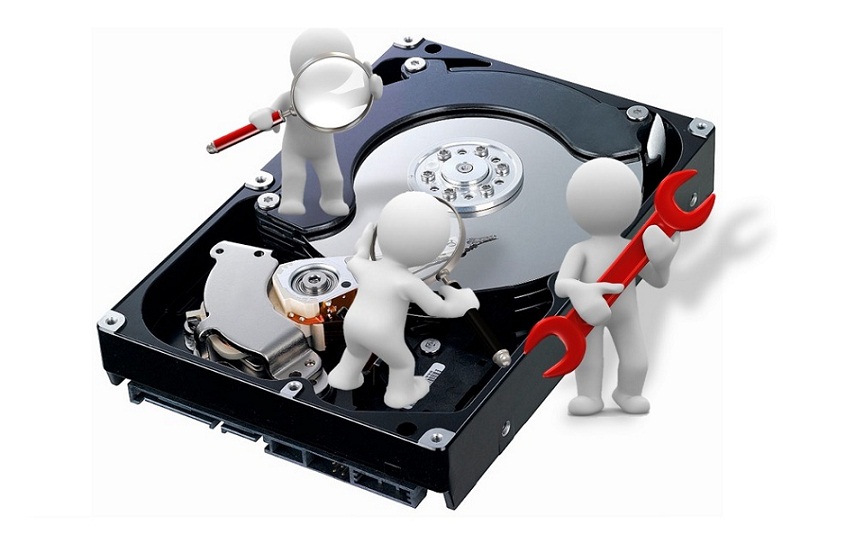
The original page highlights RAID array/controller failures, server boot problems, rebuild failures, damaged stripes, hardware failure, corrupted volumes and partition issues. fileciteturn83file0L293-L309
Assessment of drives affected by failure, corruption, accidental deletion or access problems, with recovery options discussed before work proceeds.
Support for RAID-related situations such as array failure, controller issues, rebuild problems, damaged stripes and configuration-related corruption.
Help assessing servers that fail to boot or where storage volumes, partitions or application data become inaccessible.
Guidance for accidental file deletion and situations where recovery may depend on whether the affected storage has been overwritten.
Assessment of corrupted volumes, missing partitions and file-system access issues before destructive troubleshooting is attempted.
Review of cases involving software corruption or operating-system updates that leave data or storage volumes inaccessible.
Data recovery is different from ordinary computer troubleshooting. The first priority is to understand the condition of the storage and the value of the data before attempting actions that may change it.
Every data-loss case is different. The goal is to understand what happened, what is still accessible and what recovery approach is appropriate.
Collect the symptoms, device details, recent changes and what has already been attempted.
Determine whether the issue appears logical, configuration-related or potentially hardware-related.
Explain the available support or recovery path before proceeding with applicable work.
Use the appropriate recovery or escalation process and keep the focus on protecting important data.
No. Recovery depends on the failure, the condition of the storage device and whether the affected data has been overwritten or otherwise damaged.
We can assess RAID-related symptoms and help determine the appropriate next step. RAID recovery can involve array, controller, rebuild, stripe and configuration issues, so the exact approach depends on the situation.
Not necessarily. A server that does not boot can have an operating-system, configuration, storage, volume or hardware problem. An assessment is needed before concluding that the data is lost.
If important data is involved, repeated attempts can sometimes make the situation more difficult. It is safer to stop unnecessary changes and discuss the condition of the storage first.
No. Data recovery cannot be guaranteed in advance. The feasibility and outcome depend on the specific device and failure conditions.
Share the device type, symptoms and what happened before the data became inaccessible. Do not send passwords or confidential credentials.